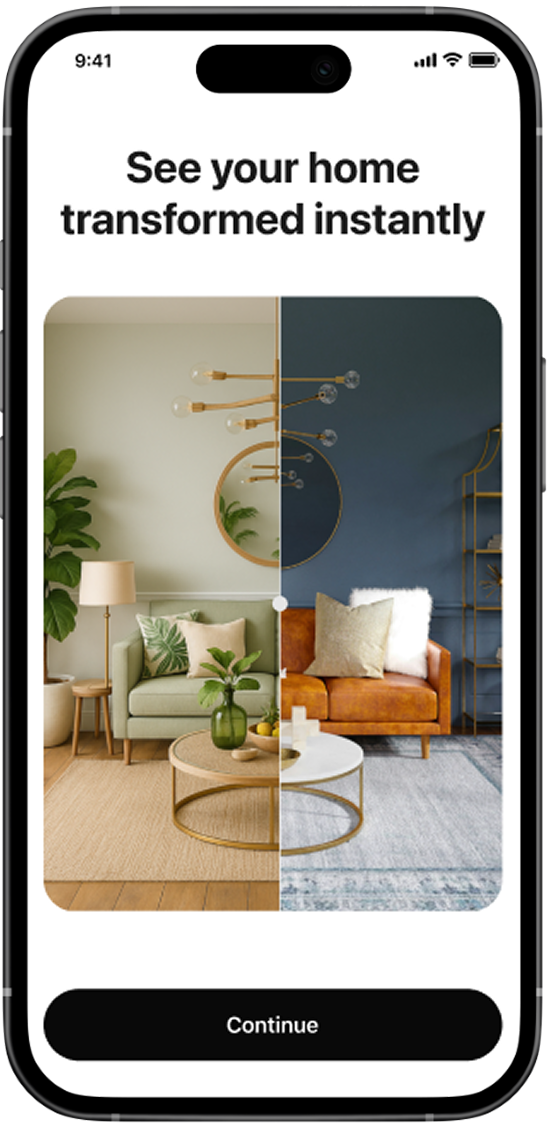
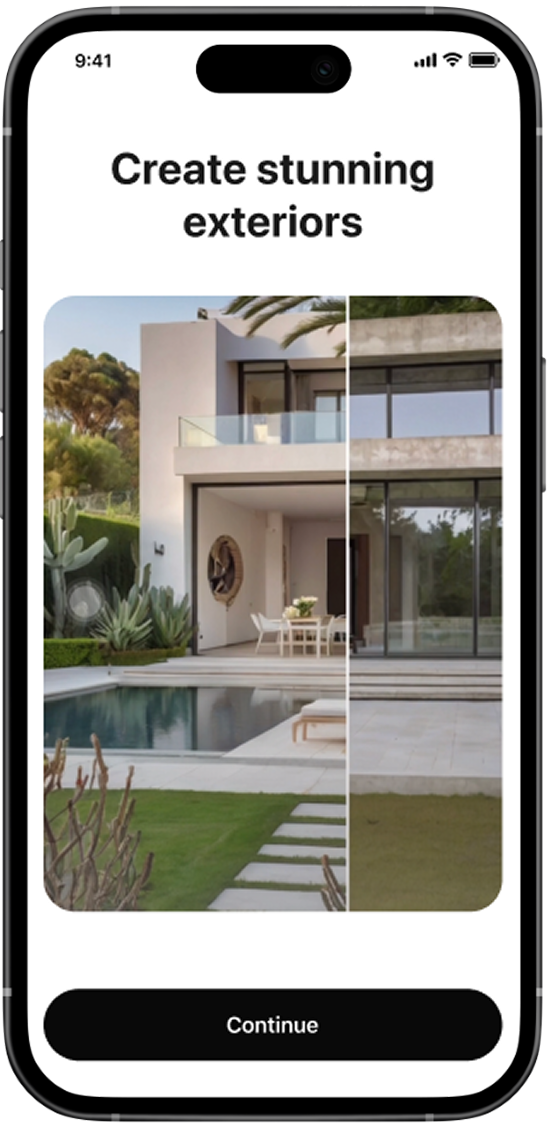
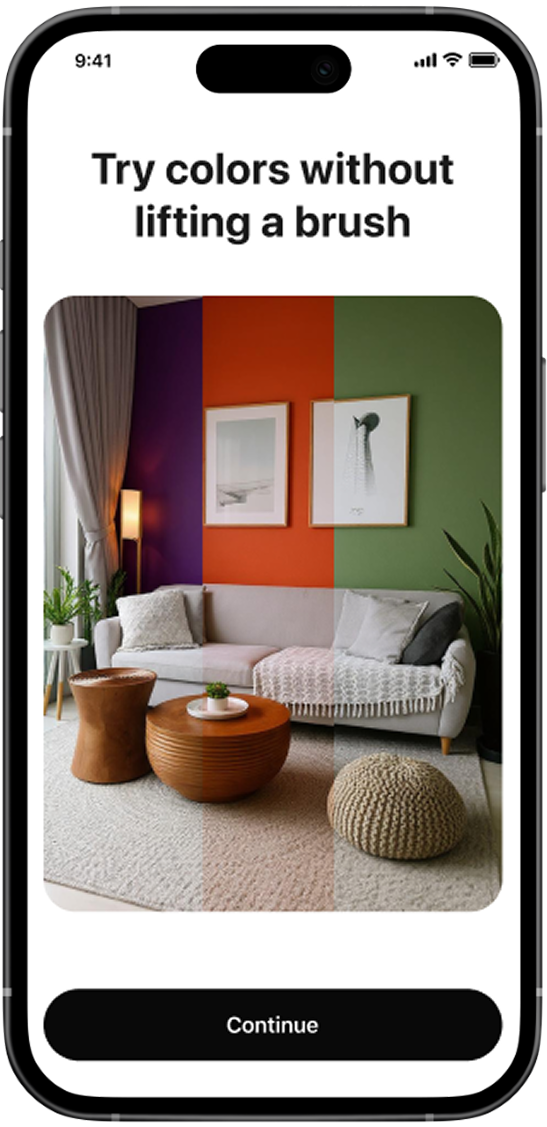
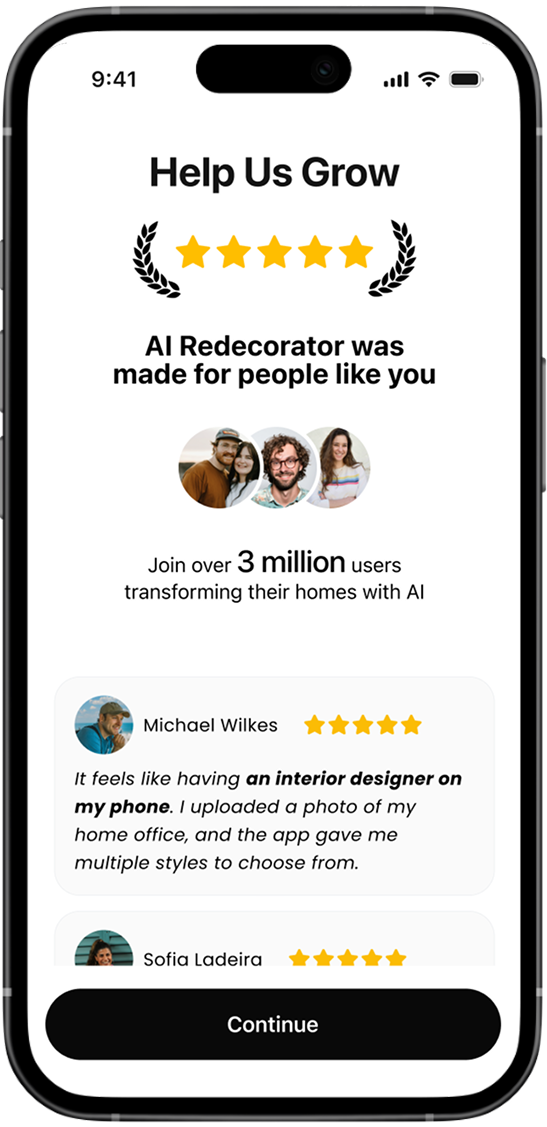
I designed AI Decorator, an AI-powered app that transforms interior and garden photos in seconds, achieving 15% of initial conversion during the release.
CHALLENGE: STANDING OUT IN A CROWDED MARKET
AI Decorator entered a space already dominated by large players. Competing on features wasn’t enough — we had to compete on perception.
The goal was to design an experience that looked and felt premium, so users would trust us instantly, even as a new app.
I reviewed over 10 top-performing AI home design apps, mapping their features, pricing models, and store presence.
I used Sensor Tower to estimate revenue (from $400K/month to over $2M/month) and prioritized the top four for a detailed teardown, comparing AI tools used, business model and presence of free vs paid features.
USING Best UI Patterns to Build a Faster Prototype
I created a stitched-together flow combining the best-performing UI patterns and interactions from leading competitors. This allowed me to visualize and benchmark the entire app flow before designing anything from scratch, speeding up iteration.
CHOOSING Features That Convert
I selected features that that drive engagement and monetization.
Prioritized most used and highest-performing features (interior design).
Excluded features with weak AI models (like exterior design).
Design System
With the MVP scope clear, I built a Design System with reusable components and icons, ensuring I could adapt quickly to changes in design and development constraints.
The design system isn’t anything overly complex. Just practical, well-structured, and easy to use. It was fast to build and efficient to maintain. Nothing more, nothing less.
Onboarding: Designing where conversion happens
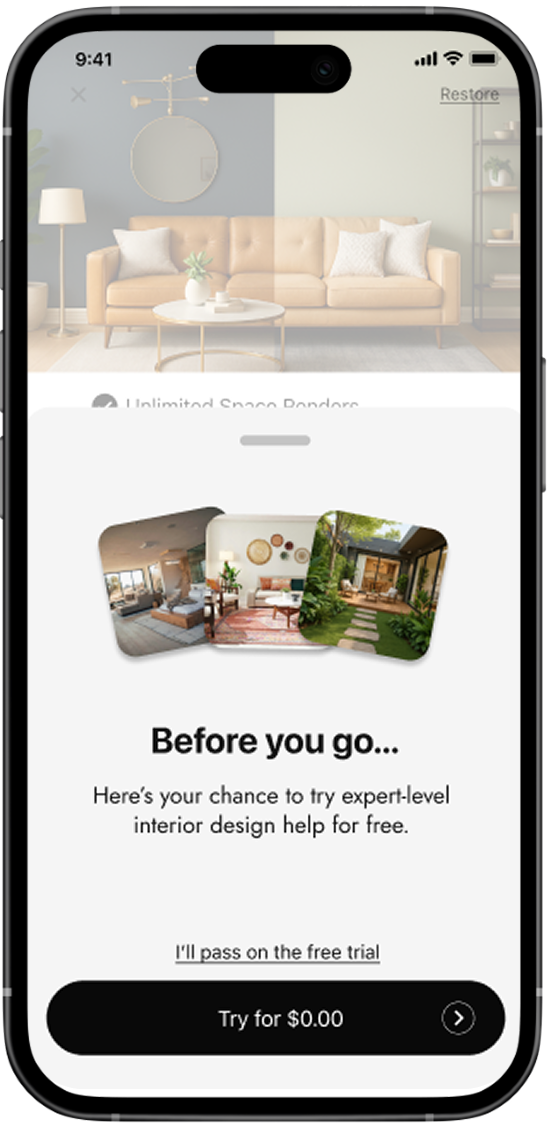
The onboarding flow became a key conversion driver. The screens showcase beautiful examples of AI transformations while guiding users through the app’s value in just a few taps. 80% of paying users convert during the onboarding, confirming the importance of this first visual impression.
core flow: translating the strategy into an interface
Since AI Decorator is, at its core, a design app, the interface had to look even better and more profesional than the results it generates. Every detail, from typography to micro-interactions, was crafted to evoke elegance and good taste.
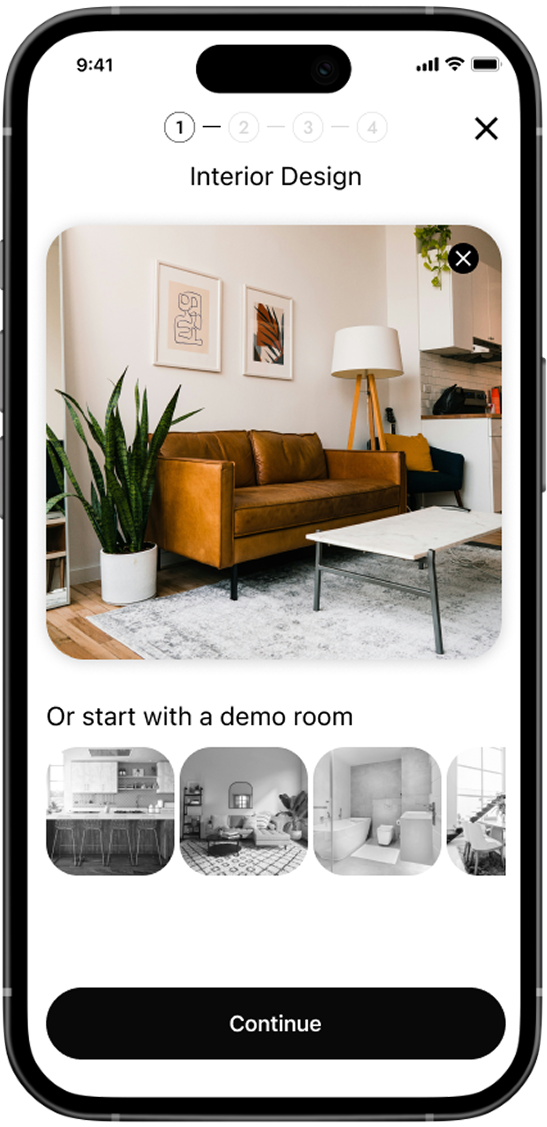
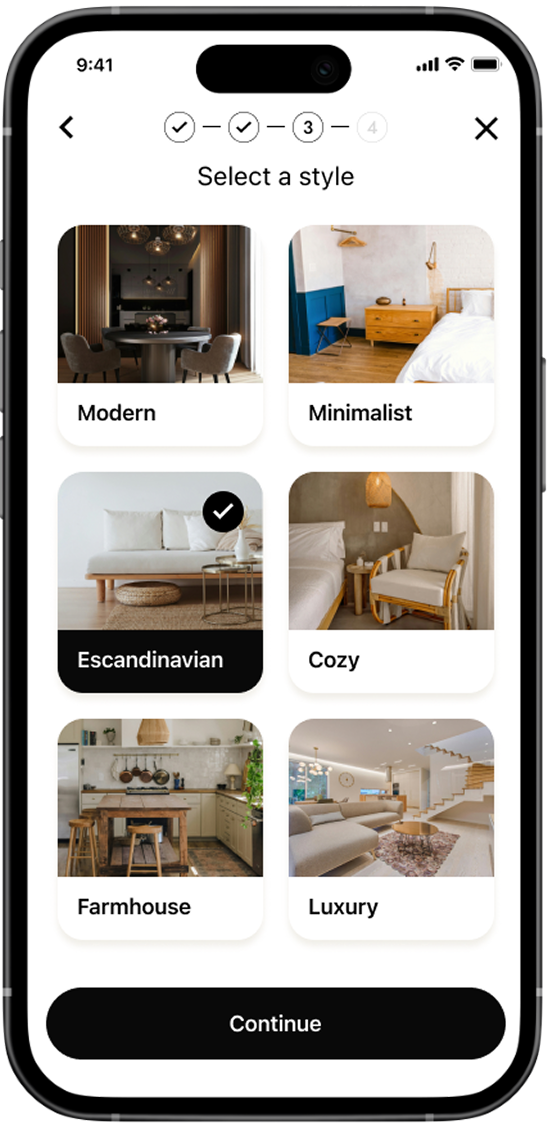
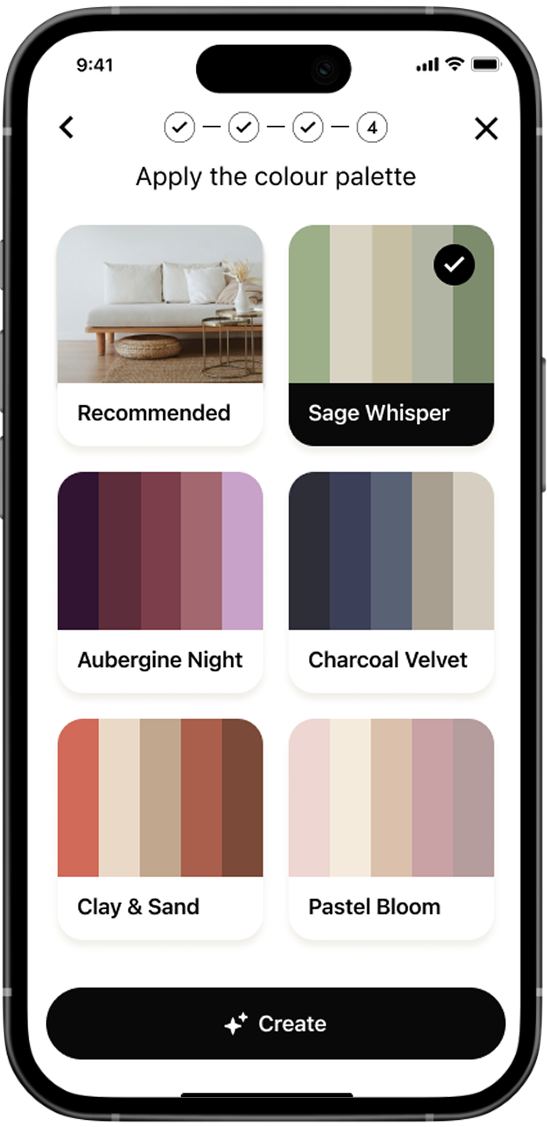
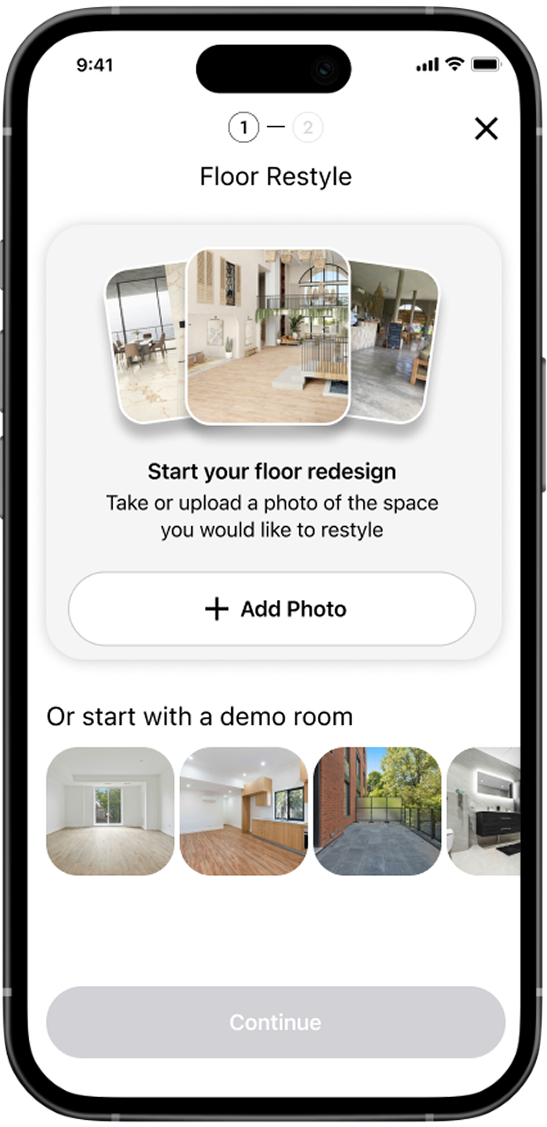
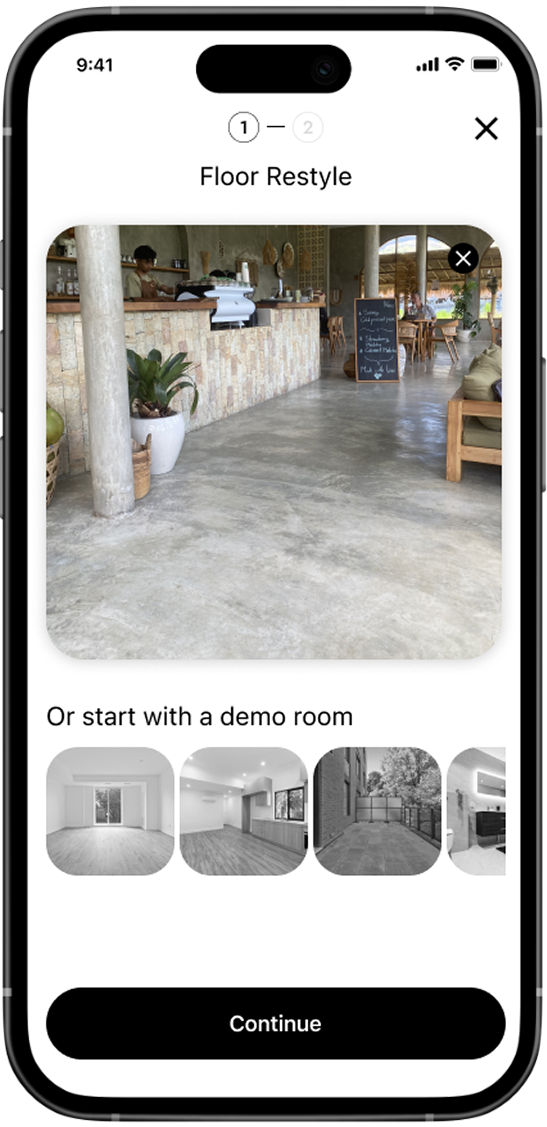
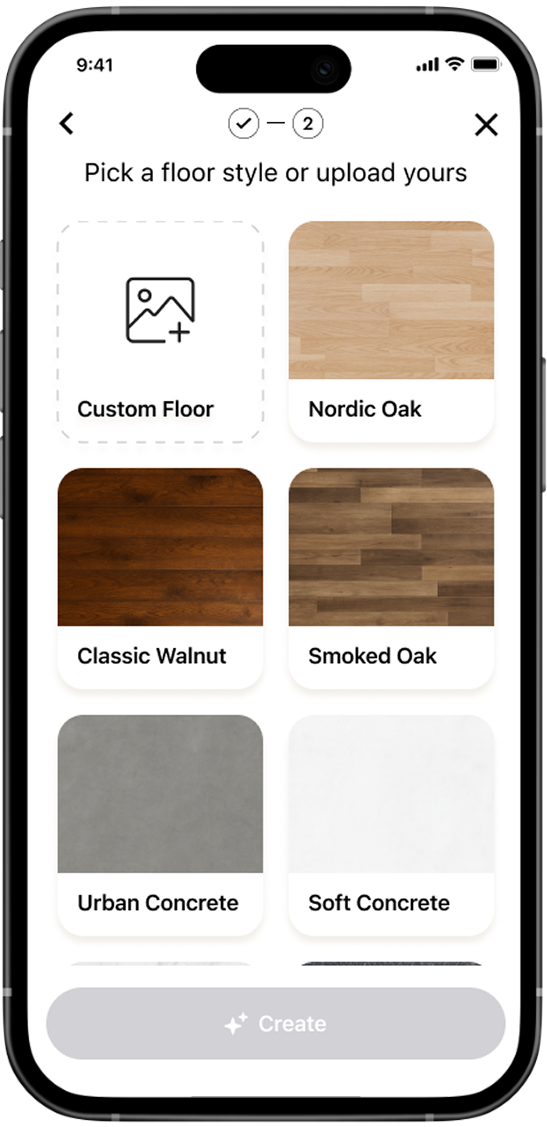
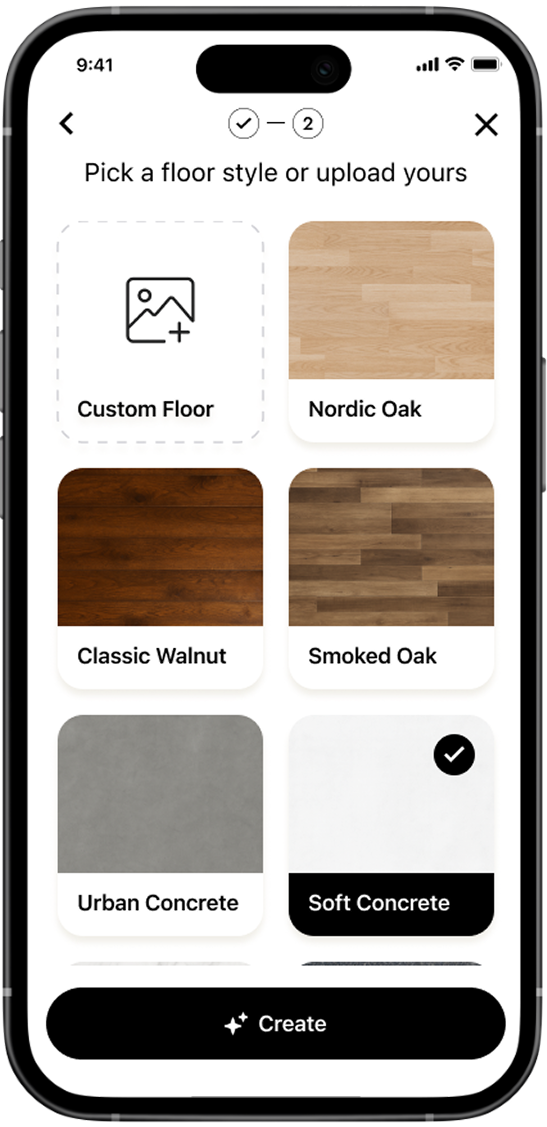
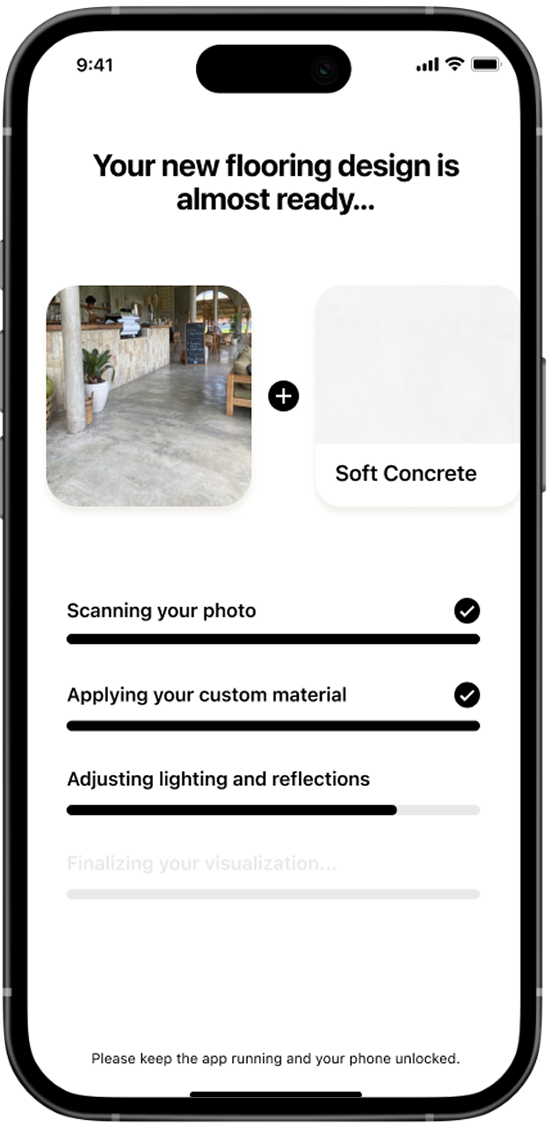
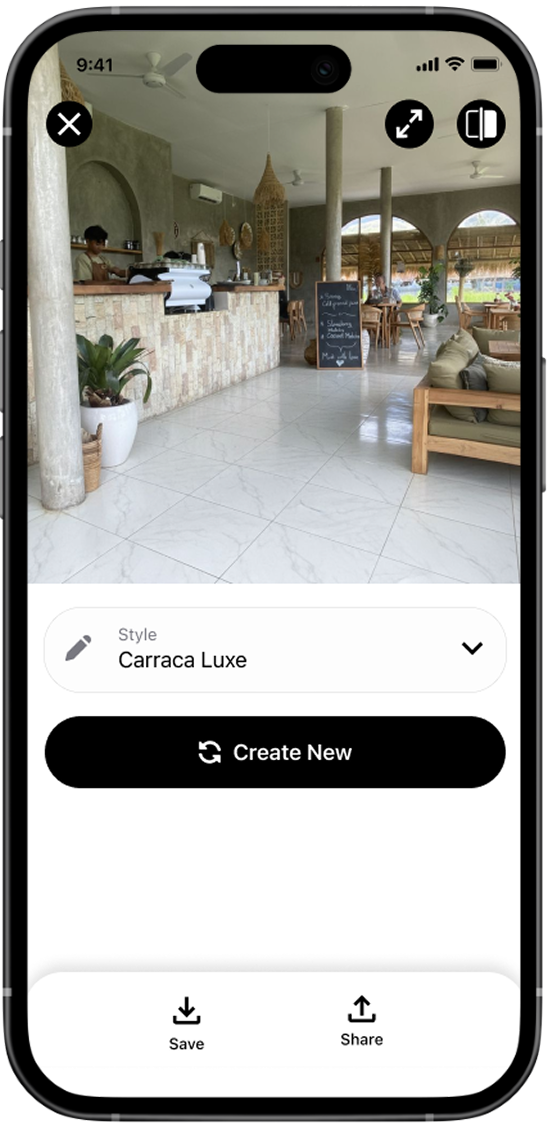
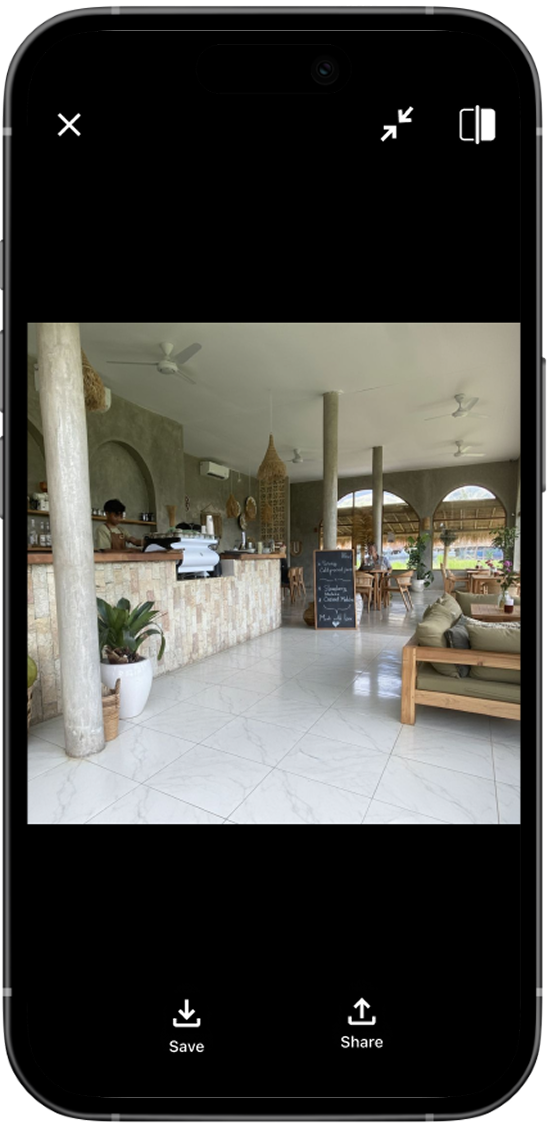
The main flow was designed for simplicity: upload, choose a style, and get your result.
QA Insight: If It’s Clear to You, ASK Your Mother-in-Law
After delivery, I managed QA testing through TestFlight, reviewing the full flow with real users — including my mother-in-law and her friends. Even though the experience looked simple on paper, we noticed confusion about how to start a new generation after seeing the results.
I updated the design to make this step clearer while keeping a touch of friction to avoid unnecessary AI prompts that could increase costs.
Support the product's growth
This project gave me a holistic view of what it takes to launch and scale an indie mobile app— from research and UI to user acquisition and business metrics.
I learned the value of collaborating closely with developers, managing QA directly, and balancing design quality with realistic product constraints.
“Great design isn’t just about pixels — it’s about making every decision support the product’s growth.”
Let's Chat
Do you have a product idea, want to discuss a project, or need a designer? Drop me an email at hi@designbysofi.com